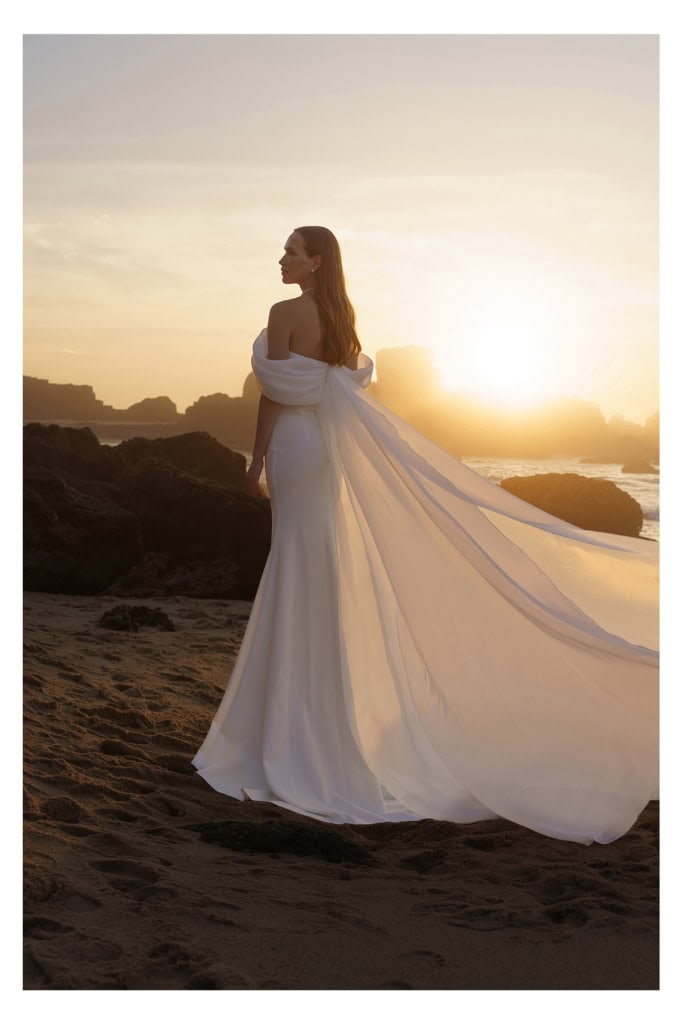
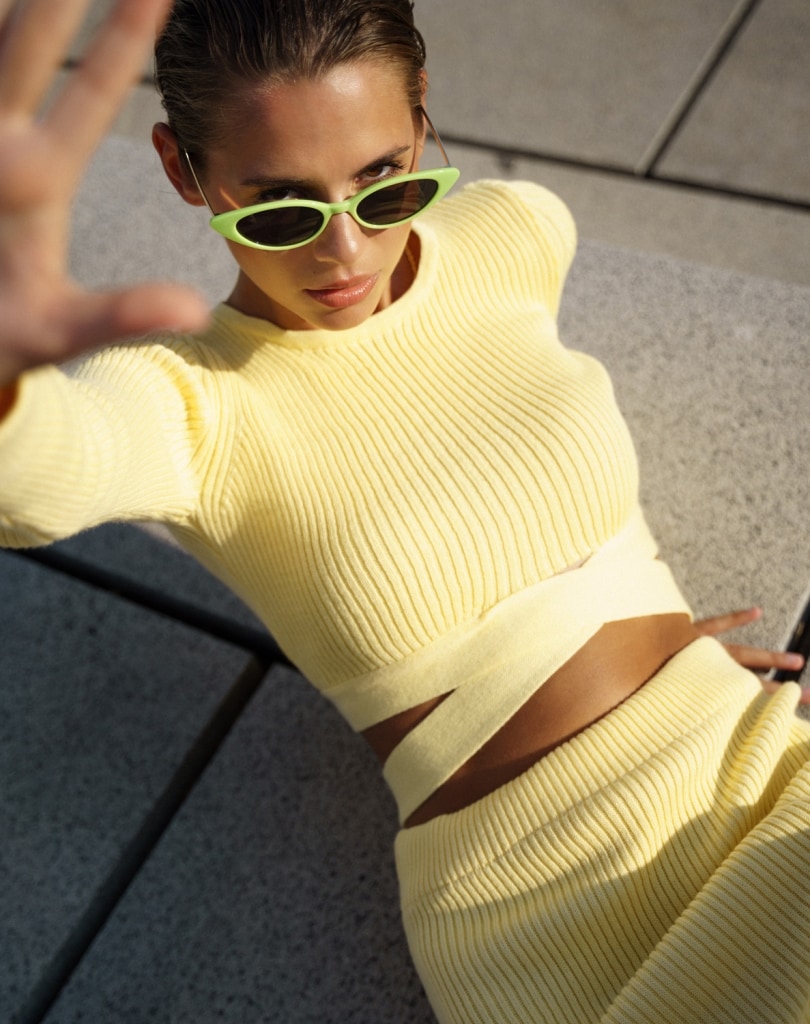
When you first see RAW photographs from a shoot, they may look gray, flat, overexposed or underexposed, or simply unfinished. That’s normal: you’re seeing a stage in the process. I’ll explain the difference between a RAW photo file, a preview used for choosing photographs, and the final retouched image, along with what I look for when selecting a frame.
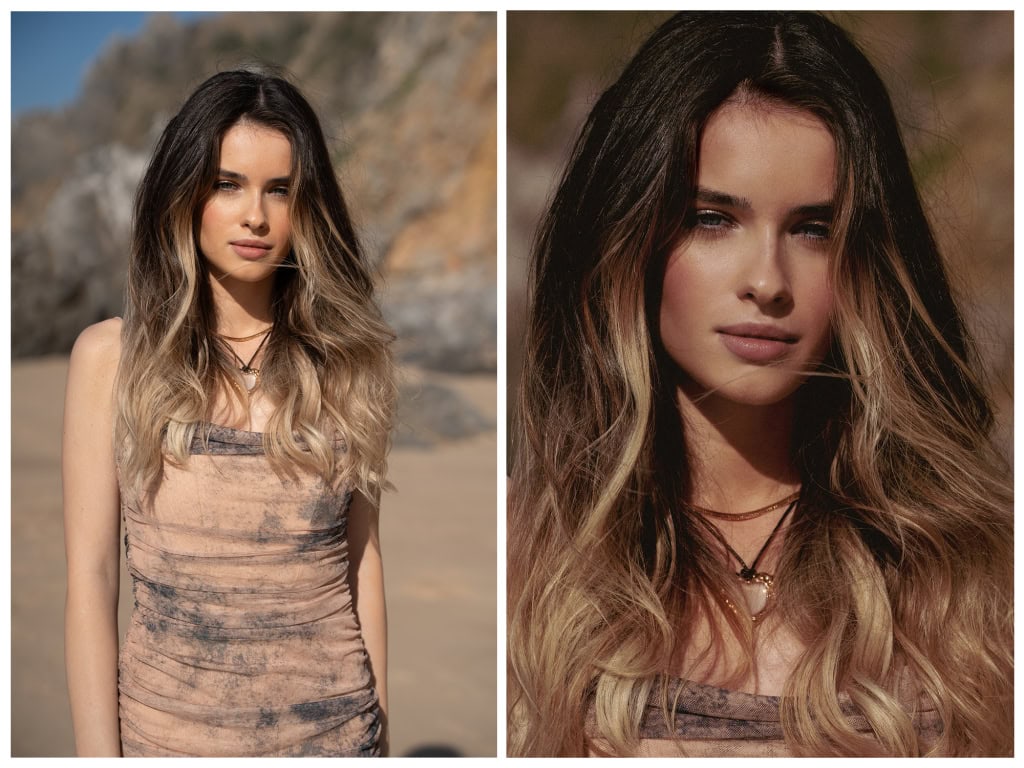
What is a RAW photo file?
A RAW file contains all image data recorded by the camera, with more flexibility for editing than a finished JPEG. It gives me room to work with exposure, white balance, color, and other adjustments before making the final image. It is sometimes compared with a digital negative. But it does not hold unlimited recoverable detail, and the way it first appears also depends on the software used to display it.
That flexibility is why RAW files are important in my editing process. They are my working material, not automatically the files a client receives. The file used for a selection preview and the finished photograph can be exports made from that same original, each with a different purpose.
Three stages that are easy to confuse
- RAW photo file: the camera’s source data, used in the editing process. Its delivery is not assumed and depends on what we have agreed.
- Selection preview: an image prepared for viewing and, when that process is part of the project, choosing photographs. It may be a JPEG and may not have final color work or retouching.
- Final photograph: the selected image after the agreed editing, prepared in the format and size needed for the project.
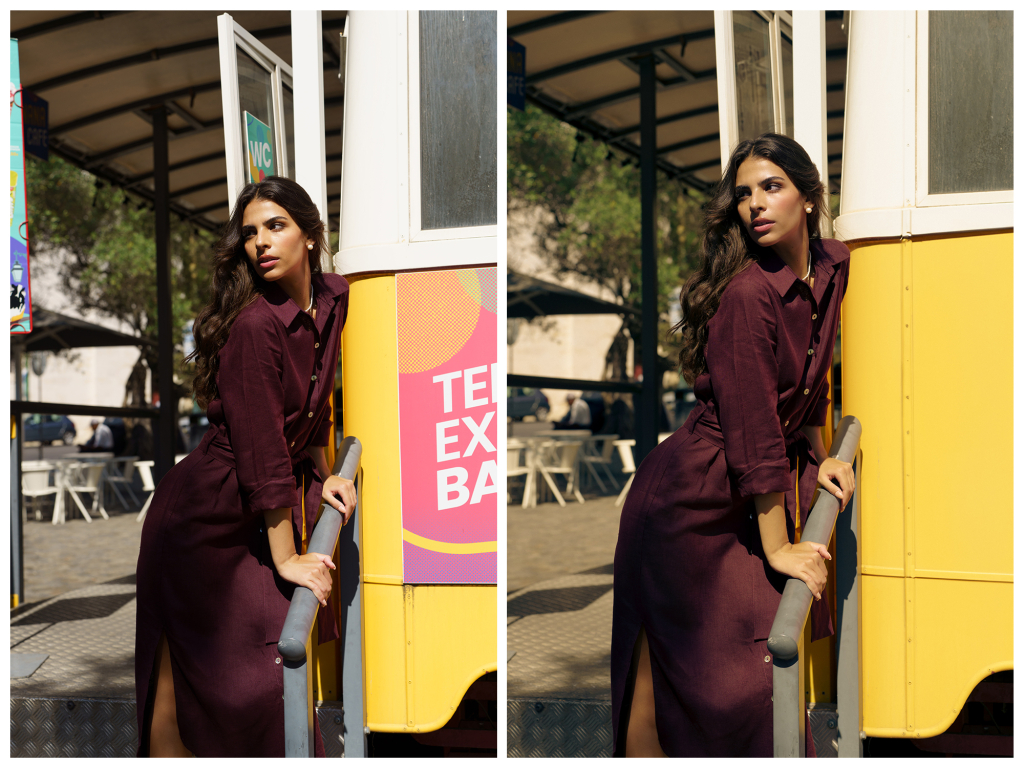
What should you look for when choosing photographs?
If we have agreed that you will take part in selecting the images, look first at what the photograph says and whether the important details are there. Some adjustments can wait for editing; others depend on what was captured. You do not need to judge the preview as though it were already a finished image, but it is useful to know the difference.
Give these details your attention
✓ Composition. Notice how the person and objects sit in the frame. Does the pose work? Are the clothes and accessories visible in the way the image needs? A crop may refine a composition, but it cannot always replace something that was left outside the photograph or correct an awkward perspective without a compromise.
✓ The person and the product. For a clothing, shoe, or accessory brand, check the fit, the shape, and the details the customer needs to see. A small crease may be manageable, while an ill-fitting garment or a hidden product feature can need a different frame. I prefer to address those things during the shoot rather than rely on rebuilding them afterward.
✓ Expression and emotion. A look that feels alive, a natural smile, or a moment of character can be more valuable than a technically tidy but empty frame. Ask whether the expression belongs to the person and the story. That is not something I want to manufacture through retouching.
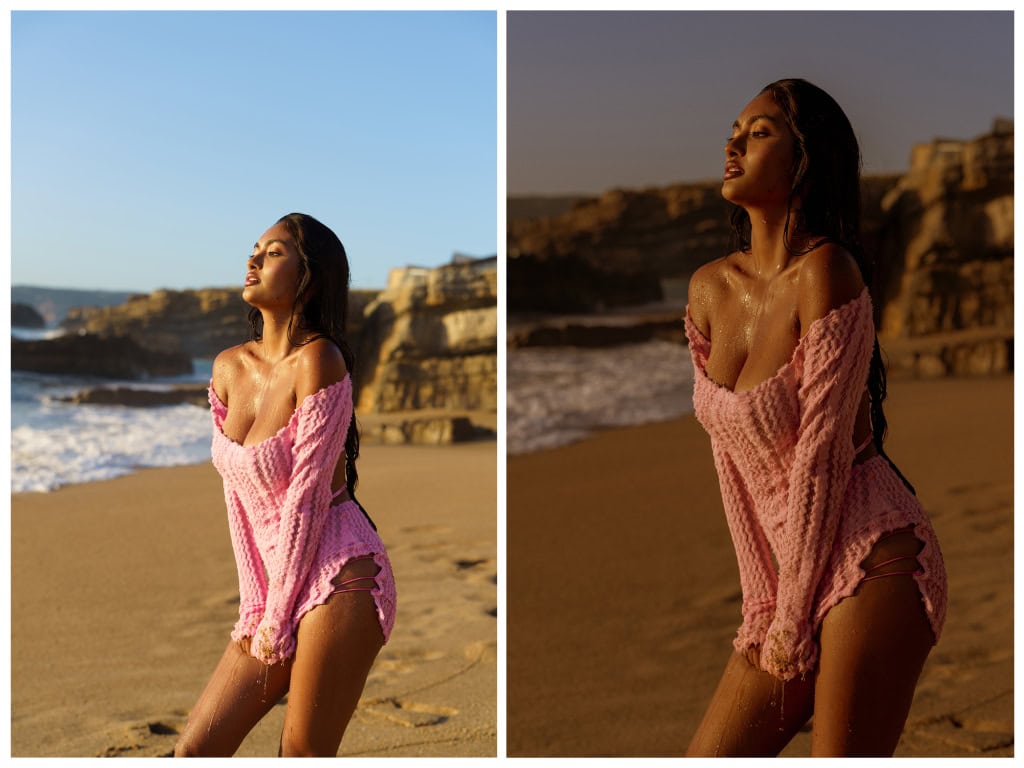
✓ Focus on the important detail. Look at the eyes in a portrait or the part of the clothing or jewelry the photograph needs to show. If the key detail is genuinely out of focus or blurred by unintended movement, sharpening is not a reliable way to recreate it. Intentional softness is a creative decision; accidental loss of an essential detail is a different issue.
✓ The direction and quality of the light. A preview may look flatter or more contrasty than the final photograph, but the original lighting still matters. Notice whether the face or product has the shape and detail the image needs. Good information in the capture gives me more room to work than an important area with no usable detail.
What you shouldn’t pay attention to, and where the limits are
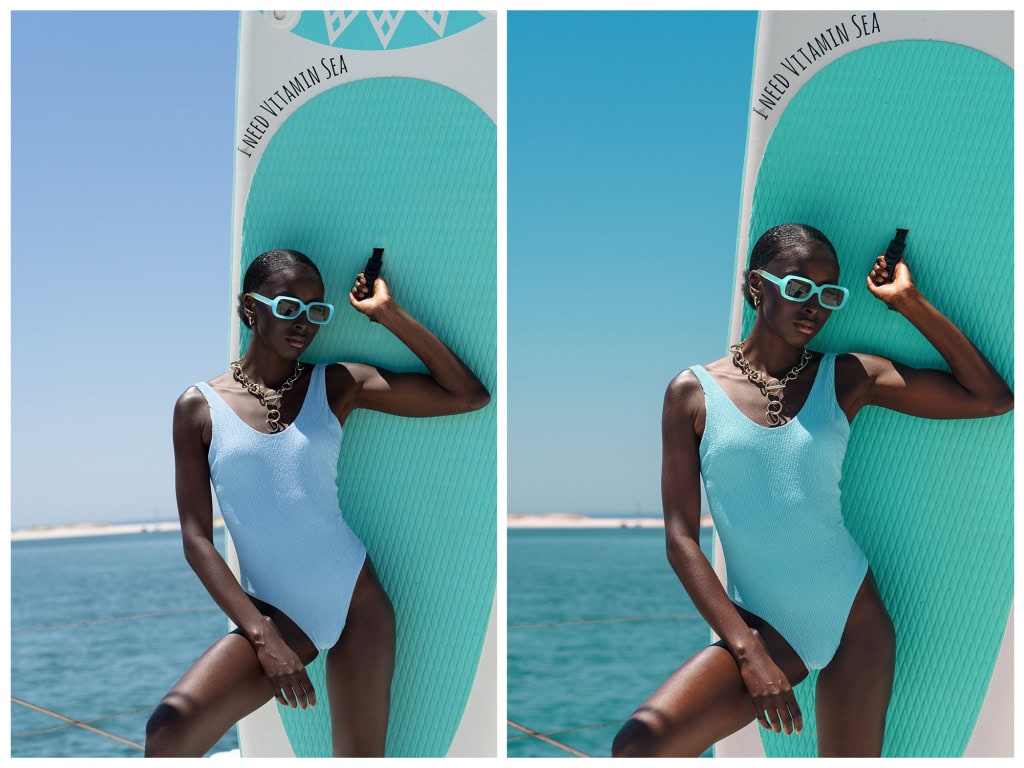
✘ Color. White balance, saturation, and the balance of tones can change considerably during editing. A preview may therefore feel warmer, cooler, or less finished than the final version. For a product, however, the true color remains important. We discuss the intended appearance and any color requirements rather than assume that any color problem can be fixed or that every screen will show the same result.
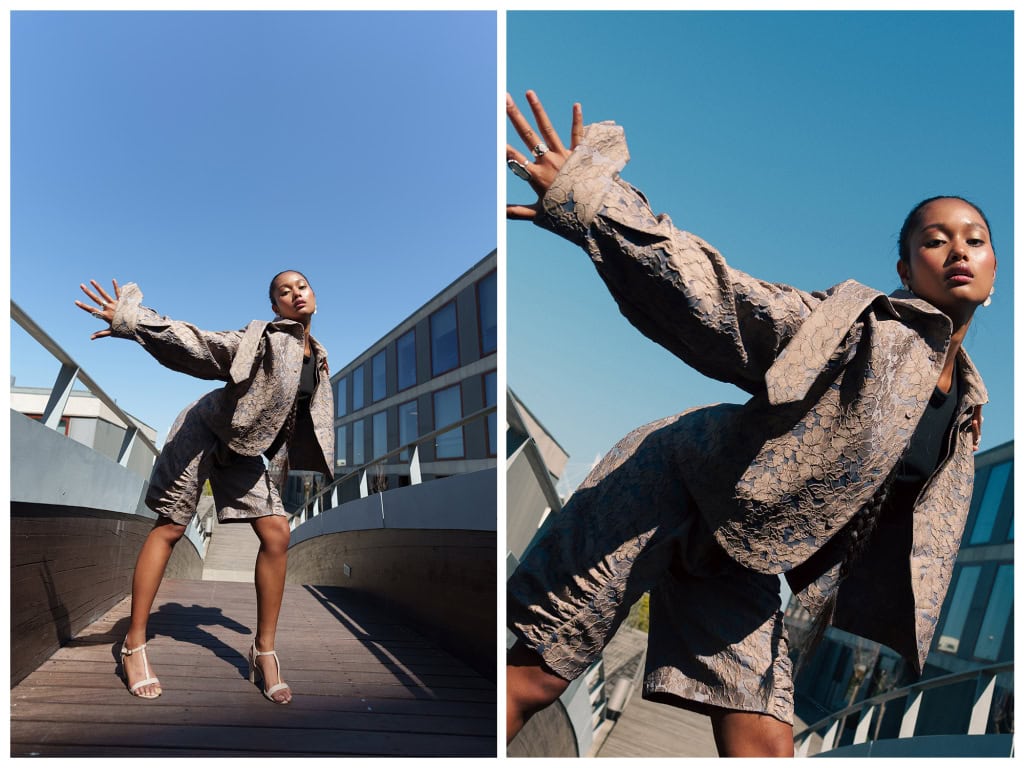
✘ Horizon and crop. A small tilt can often be adjusted, and a larger original file may allow several useful crops. The limit depends on the source image and the final size or placement. We cannot assume that every photograph can be cropped two or three times and still suit any print. If a project needs space for different layouts, we plan for it during the shoot and agree on the versions to deliver.
✘ Small distractions. A temporary spot on the skin, a minor mark, or a distracting background detail may be something I can tidy. Clothing texture, reflections, and complicated backgrounds can take more work, and not every change is appropriate or included. The aim is to support the image while keeping the person and product believable.
✘ Highlights and shadows. RAW files often give me room to adjust a bright or dark area, but there are limits. Detail that was completely lost in an overexposed highlight may not be recoverable. Very deep shadows may reveal noise or poor color when lifted. A photograph should not be chosen on the assumption that every lighting problem will disappear.
✘ Noise and fine detail. Noise reduction can make a dark area cleaner, but it may also soften texture. It cannot reliably rebuild detail that was never captured. I look at how the whole photograph will be used and whether the treatment keeps the face, clothing, and other important parts convincing.
What happens in the final edit?
Once the selection is complete, following the process we agreed for the project, I work on the final photographs. Sometimes I make the selection; for some projects, the client takes part. Either way, the edit follows the visual direction and the image use we have discussed.
The main parts of my editing process
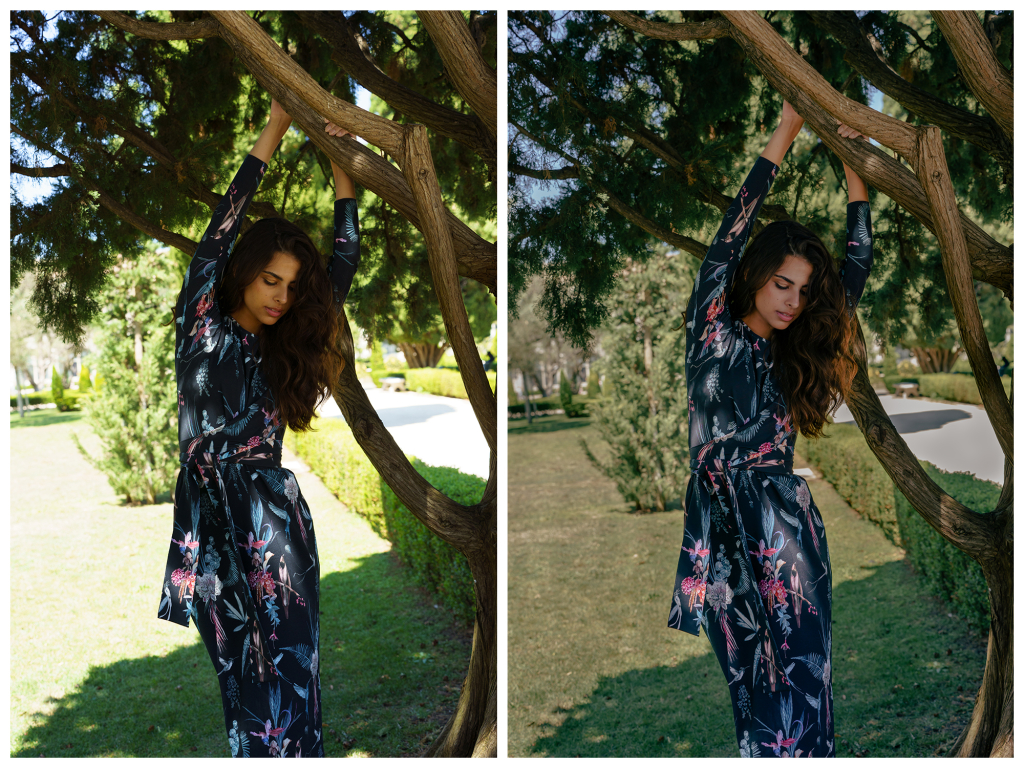
✎ Exposure and light. I balance the light and dark areas, guide attention, and bring out usable detail where the original file allows it. This gives the photograph depth and a clear feeling.
✎ Color. I work with white balance, saturation, and relationships between tones. The result may feel very natural or more expressive, depending on the idea. In a brand photograph, I also pay attention to the product and the color expectations we have agreed. A creative atmosphere should not mislead someone about the item being shown.
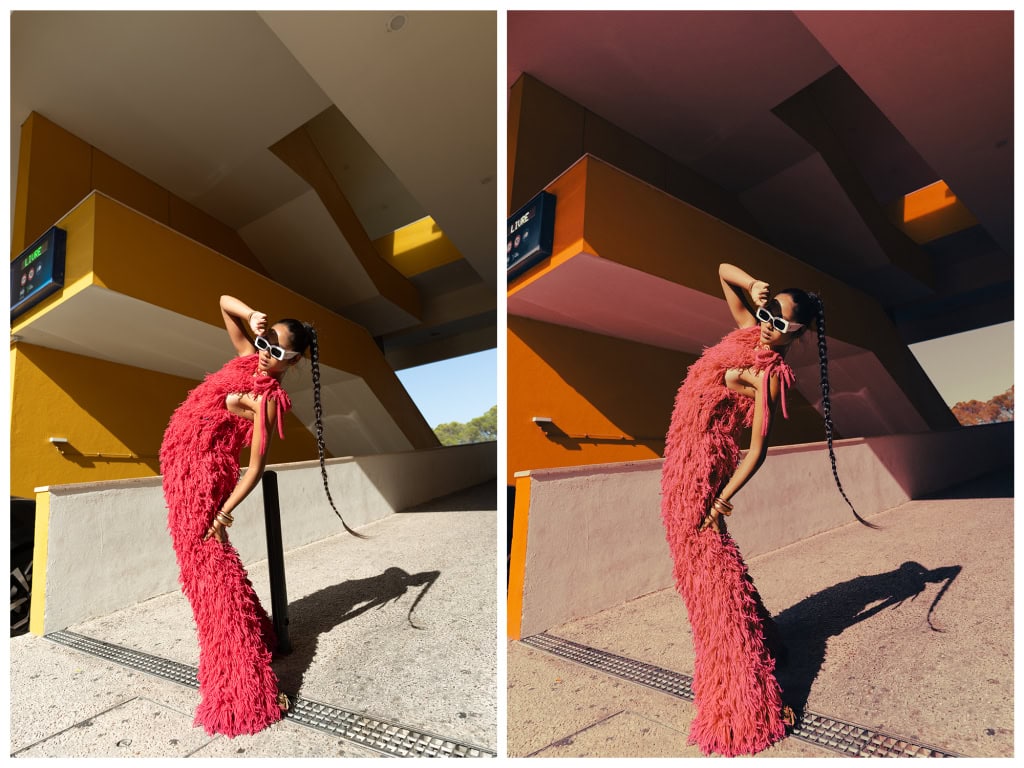
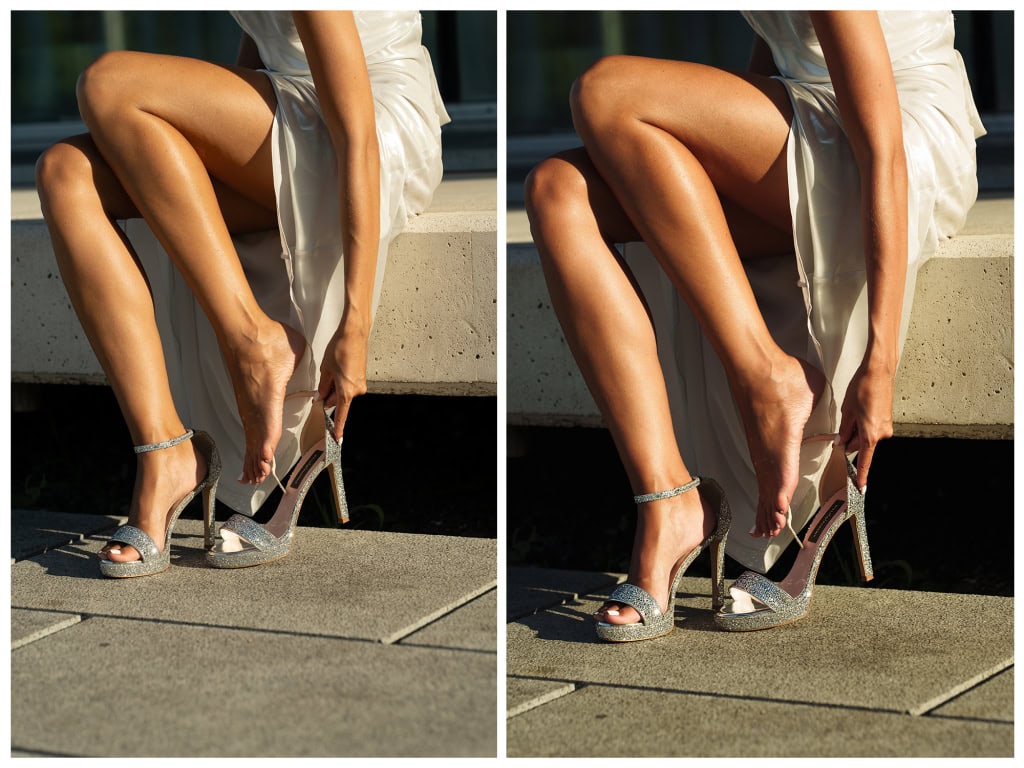
✎ Skin and background. I refine small distractions and make the changes that belong to the agreed edit, while keeping natural texture and character. I may straighten a horizon or preserve a deliberate tilt, tidy a detail, or simplify a background. I do not want the skin to look plastic or the person to become unrecognizable.
✎ Detail and emphasis. Finally, I look at the eyes, hair, fabric, and other details that should hold attention. The purpose is to make the image feel finished and coherent. More sharpness or more retouching is not automatically a better photograph.
What to remember when you make your selection
RAW is part of the working process behind a finished photograph. If you are choosing from previews, pay attention to expression, composition, focus, the appearance of the clothes, and the detail the picture needs to show. Some color and small distractions may change later. A missing feature, a lost expression, or a badly blurred essential detail may not. If you are unsure about a frame, ask me what is realistic before making the decision.
Files, delivery, and image use
Receiving a selection preview doesn’t mean RAW files are included in the project. I’ll agree with you on the final photographs, formats, sizes, and any extra versions as part of the booking. For brand work, the agreement also covers where and how the images will be used, further editing, and sharing with third parties. Receiving the files doesn’t replace those permissions.
I hope this makes the space between the preview and the finished photograph a little clearer. If you have questions about the selection or editing for your own photo shoot, tell me what you are planning. We can discuss a private session or a brand project in Miami and agree on a process that suits the photographs you need. 💛
Author: Julia Yatel